➕ 1. Click on the “Add a Listing” Button
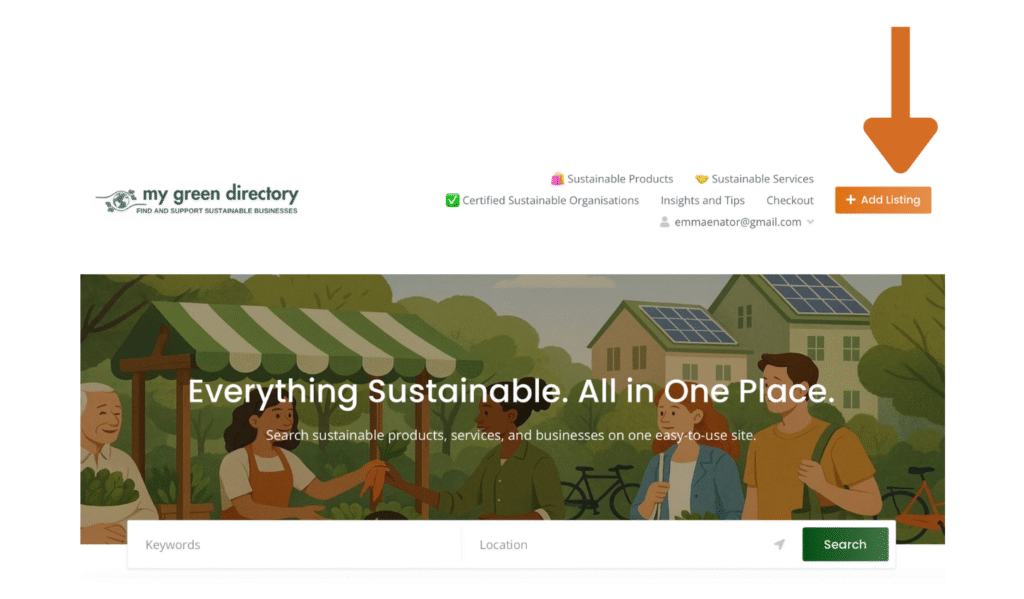
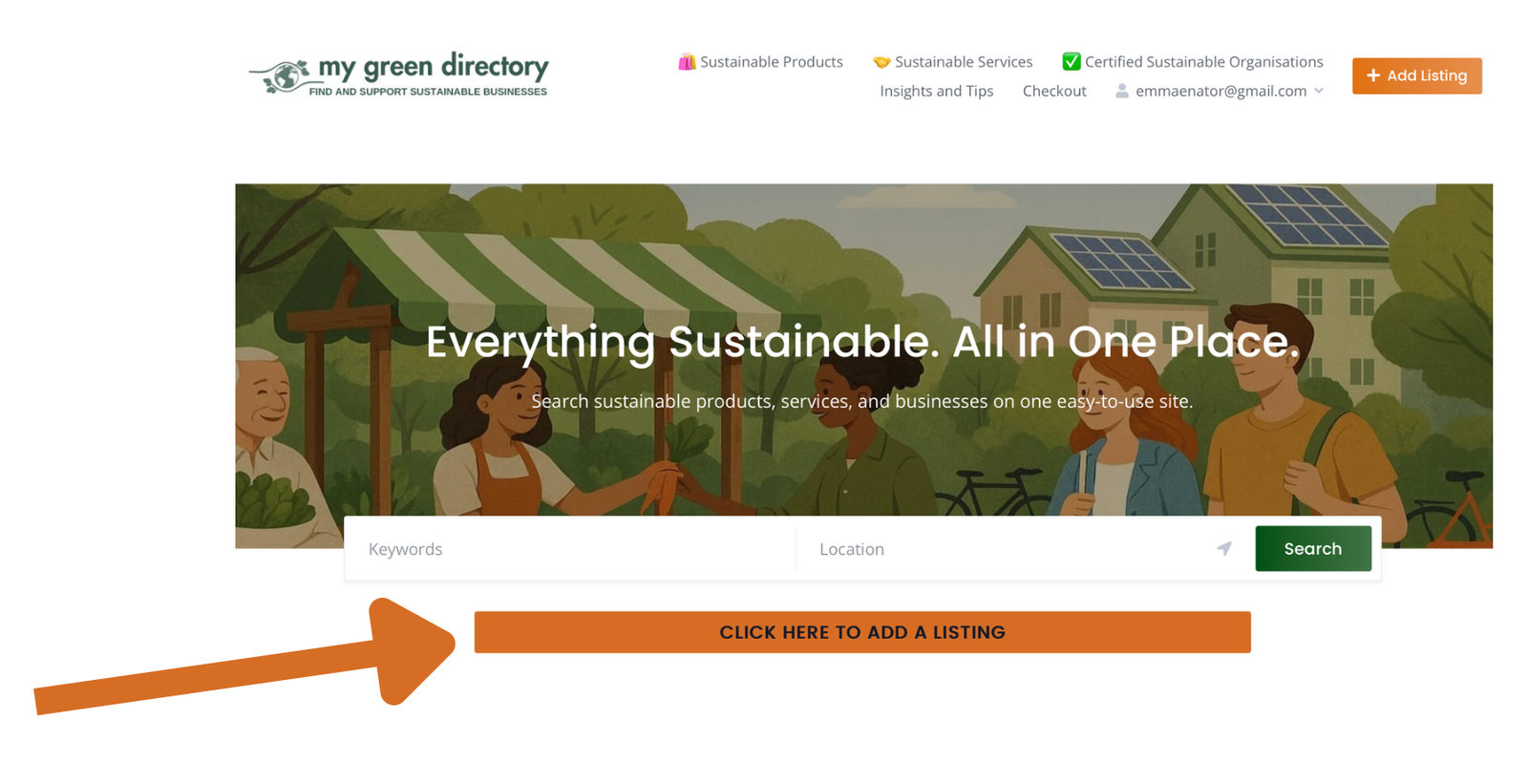
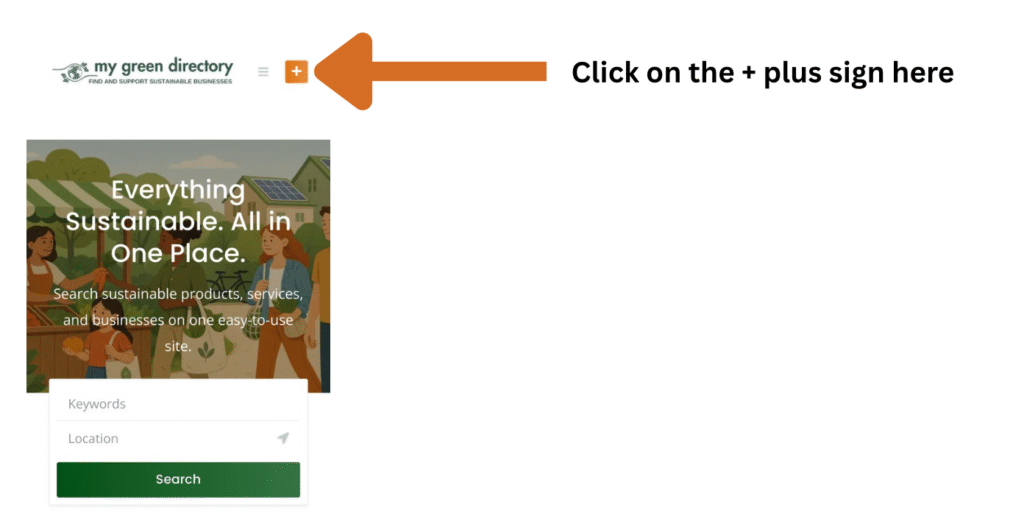
The Add a Listing button is on the top left of the screen, it appears as a plus sign on mobiles and tablets. It is also on the homepage just below the search section.
Navigation location
Homepage location
Mobile or tablet view
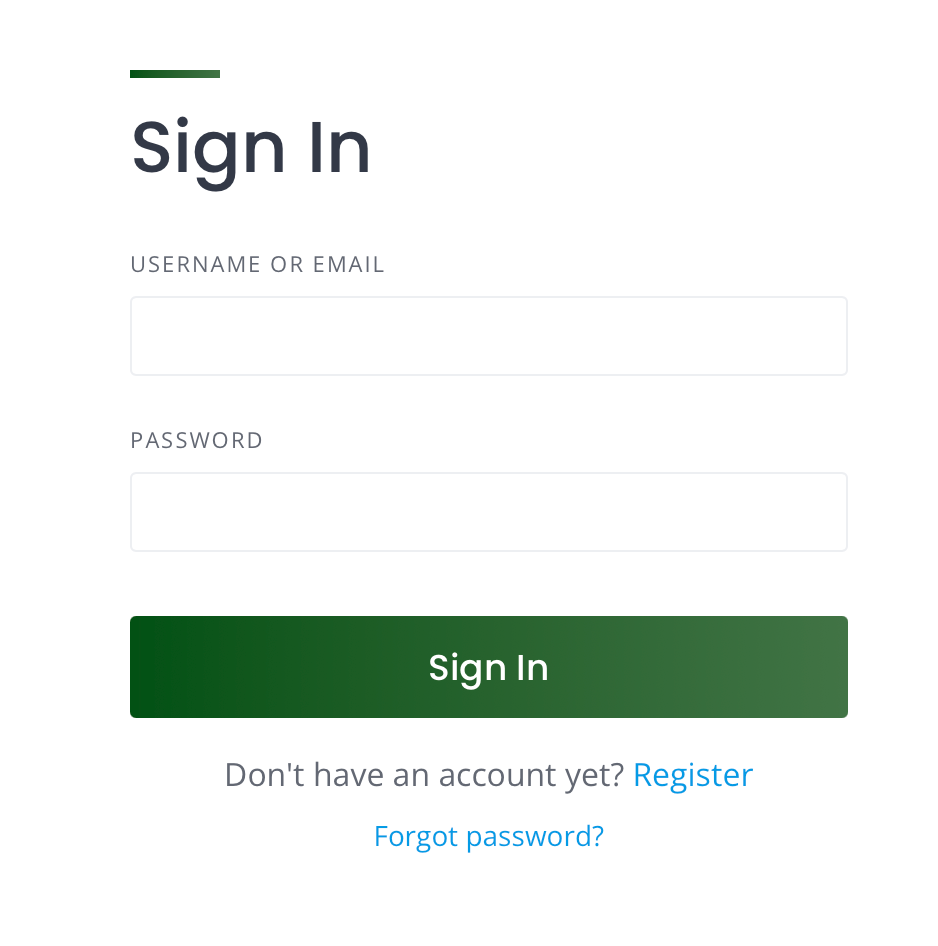
👤 2. You must Register or Log In
Before submitting a listing, users must log in or register.
📝 3. Submit a Listing
Once logged in, vendors or organisations simply:
- Click “Add Listing”
- Complete the step-by-step form:
- 🔹 Choose a category then a relevant sub-category (you can find details of the subcategories in the FAQs:
- Sustainable Products – free listing category
- Green Shops – free listing category
- Beauty & Personal Care
- Fashion & Apparel
- Food & Subscription Boxes
- Gifts, Wellness & Travel
- Hobbies & Outdoors
- Home & Family
- Biotech & Materials
- B2B Sustainability Services
- ✏️ Enter a title and description
- 🖼️ Upload images
- ⚙️ Fill out custom fields, you must complete ALL of the fields except the ones market optional, if the form is not submitting check that all questions on the form have been completed.
- 🔹 Choose a category then a relevant sub-category (you can find details of the subcategories in the FAQs:
💰 5. Choose a package
Choose a free submission package or a paid package.
- Free package: you can submit up to 1 listings for free for up to 90 days in the Green Shops and Sustainable Products Categories. These listings allow you to include limited information.
- Paid Listings: all other categories are paid listing and cost 9 Euros a month. These are more easily searchable and allow more details to be included and will continue so long as the subscription is still running. If you can’t find the right package for you please email contact@mygreendirectory.com.
- Featured listing: this option enables you to promote your product more visibly for a limited time. You can add this to a listing at any time after you have added a listing as well.
📂 6. Manage Listings
Once submitted, vendors and organisations can manage listings via:
My Account → Listings
There it is possible to:
👁️ View listing status (Pending, Published, etc)
✏️ Edit or ❌ Delete listings